


Product Update: Agentic Answers for everyone, and self-serve portability for dashboards and themes
Two things happened since our last update. Answers became genuinely conversational, and two jobs that used to need a request to your CSM became self-serve.
In this update
- Agentic Answers, released to all customers
- Dashboard templates and theme files, to move setups between portals yourself
- Thematic MCP Server in Gemini, and in locked-down environments
- Timezone and scheduling control over digests
- A refreshed dashboard design
- What we are working on next
Agentic Answers: ask a question, then ask the next one
Thematic released Agentic Answers to all customers on 29 May 2026, replacing the previous single-query version of Answers.
The old Answers made one query and gave you one answer. Agentic Answers reasons its way there instead:
- Follow-up questions work. Context carries, so you can drill in rather than restarting.
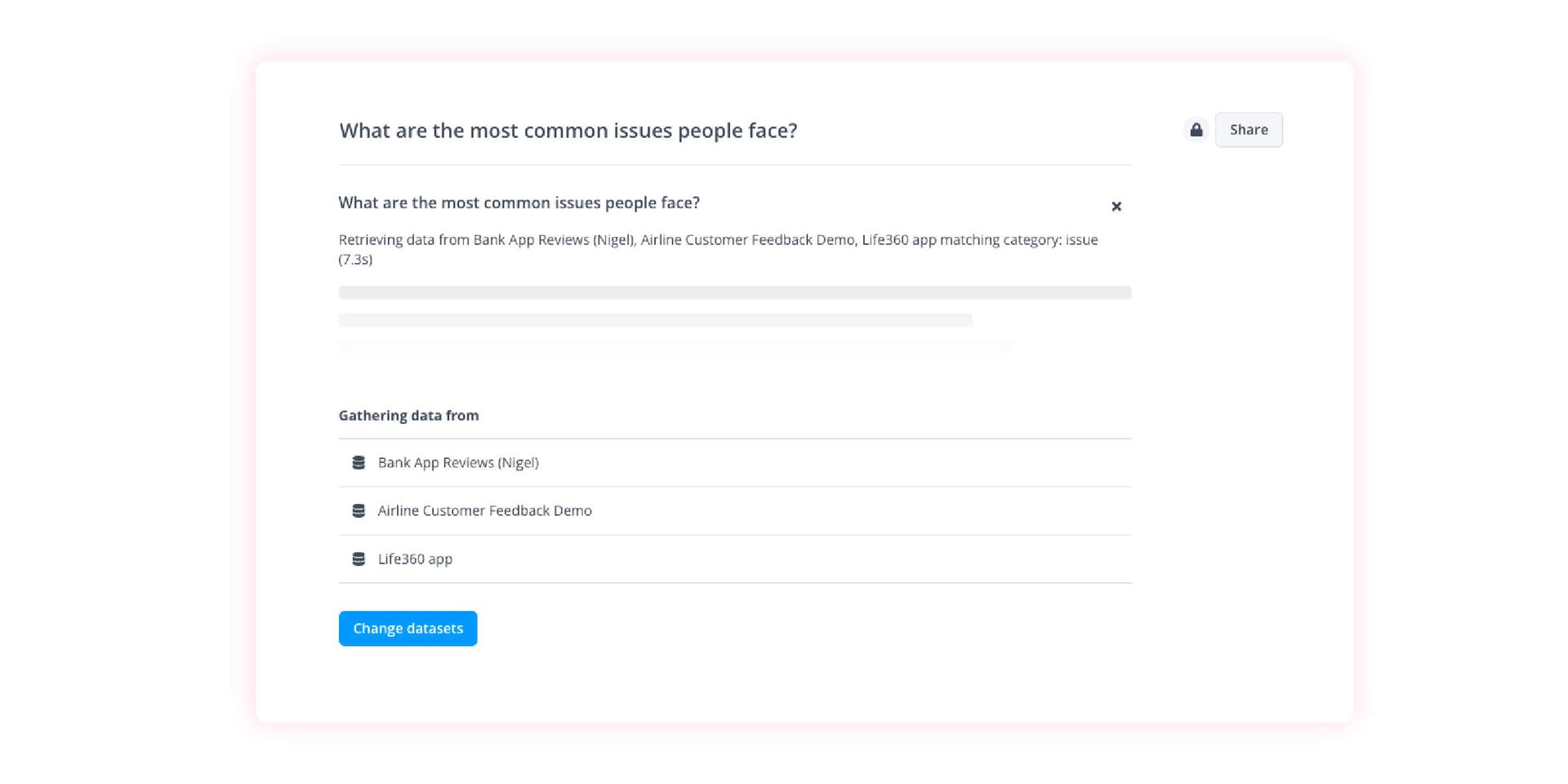
- Up to ten tool calls per question, where the old version had exactly one.
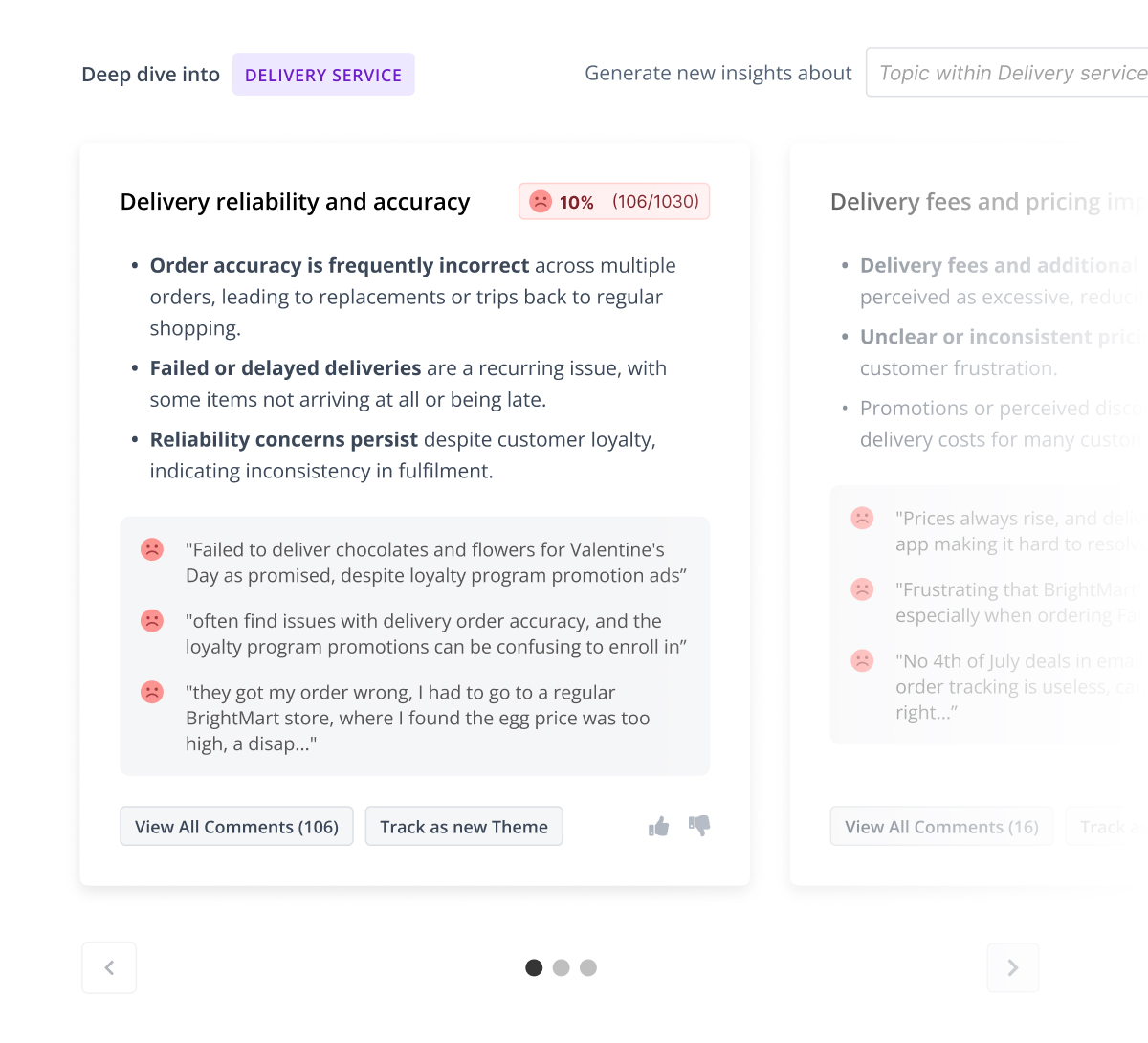
- Multi-part answers, each part with its own citations, appearing as they are written.
- Traceable citations. It cites the specific tool calls it made, and each can be followed into Analysis Tools on its own.
- Charts alongside formatted text, so results paste cleanly into reports.
- Smarter quote selection. Select Quotes finds the most relevant verbatims, not just the ones matching your filters.
Output guardrails run a final grounding check on every answer before you see it. One honest note: agentic answers take a little longer than the old version. We think the depth is worth it, and we are working on the speed.
Move dashboards and themes between portals yourself
Thematic made dashboard and theme portability self-serve in July 2026. Both used to need help from Customer Success.
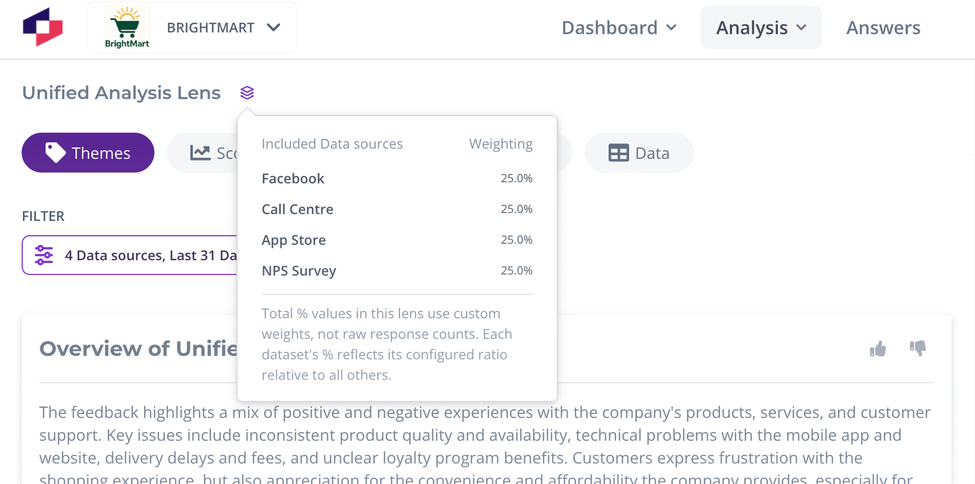
Dashboard templates (16 July). From any dashboard, Download as template saves a .dashboard.json file. In the target portal, Create from template uploads it and opens a wizard that maps sources, scores, themes and filters to that portal's equivalents. Auto-matching pre-fills by name where it can, a review step flags anything needing a manual look (such as widgets carrying custom filter queries), and aggregate views are supported.
Theme files (3 July). In the Themes Editor Tools menu, Download themes saves a .themes file and Upload themes loads one into another portal for review before you apply it.
Thematic MCP Server: now in Gemini, and in locked-down environments
Thematic extended MCP Server support so the AI tool your organisation actually uses can reach your feedback data.
- Gemini CLI and Gemini Enterprise are both supported.
- Token-based connection for environments that never touch a browser, such as Google Cloud Shell.
- Two new tools. search_available_filters finds the right filter without pulling every value first, and list_themes_in_source gives the agent your theme hierarchy so it picks the right theme more often.
- Two new options on get_comments. Return a row's external ID for joining against other datasets, or return original untranslated text.
- Tighter organisation boundaries. Isolation between orgs is now unambiguous. No data was ever exposed to anyone without permission to see it.
Documentation is now split by connection method: main, OAuth DCR for Claude, Cursor and ChatGPT, OAuth Client Registration for Gemini Enterprise, and tokens for Gemini CLI.
Digests that arrive when you want them
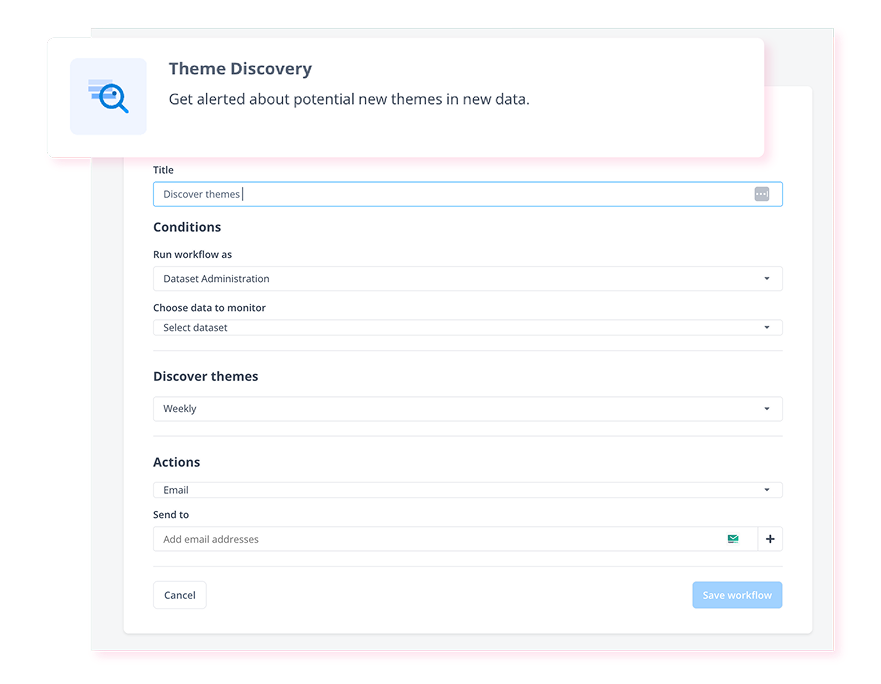
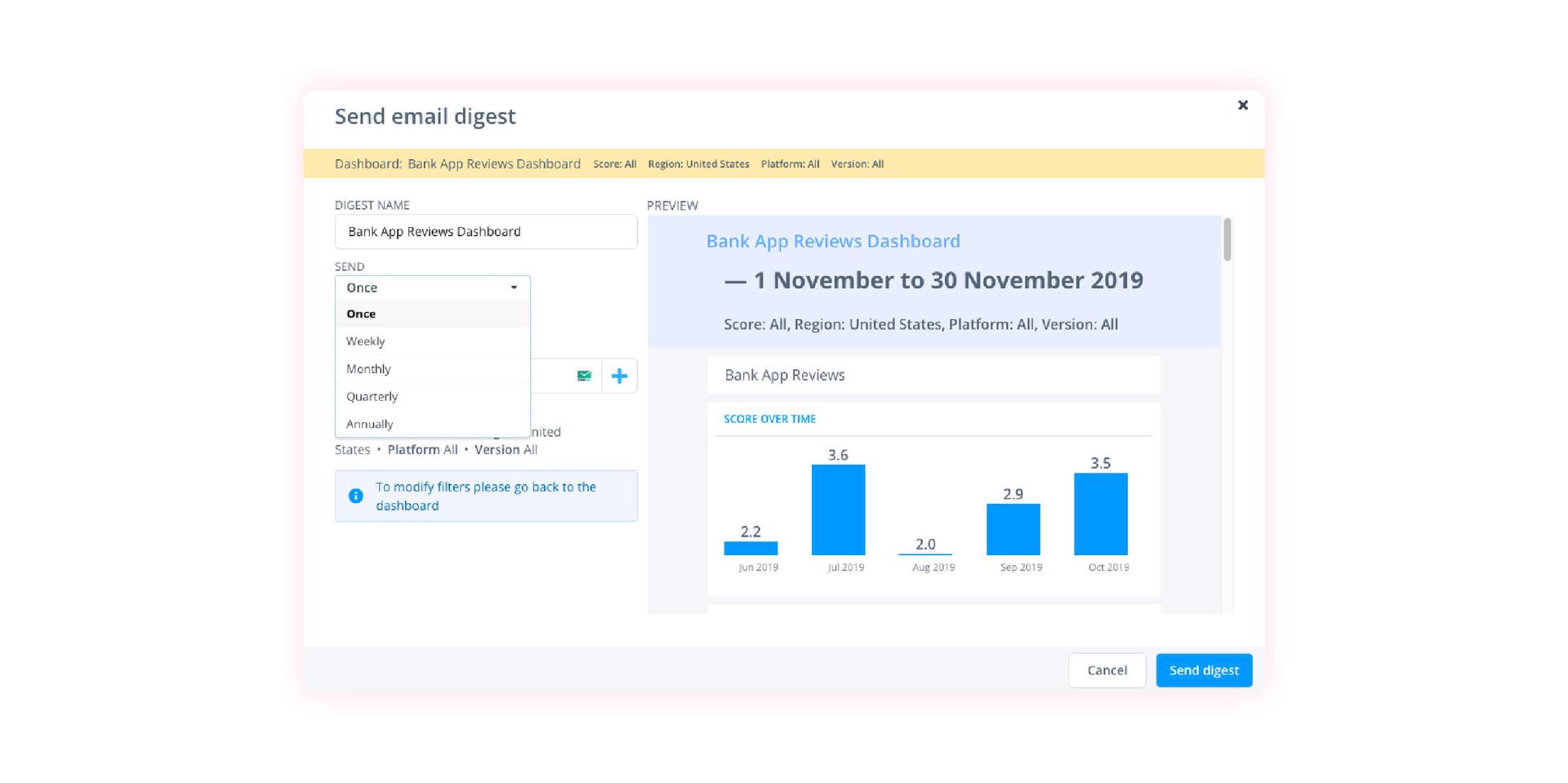
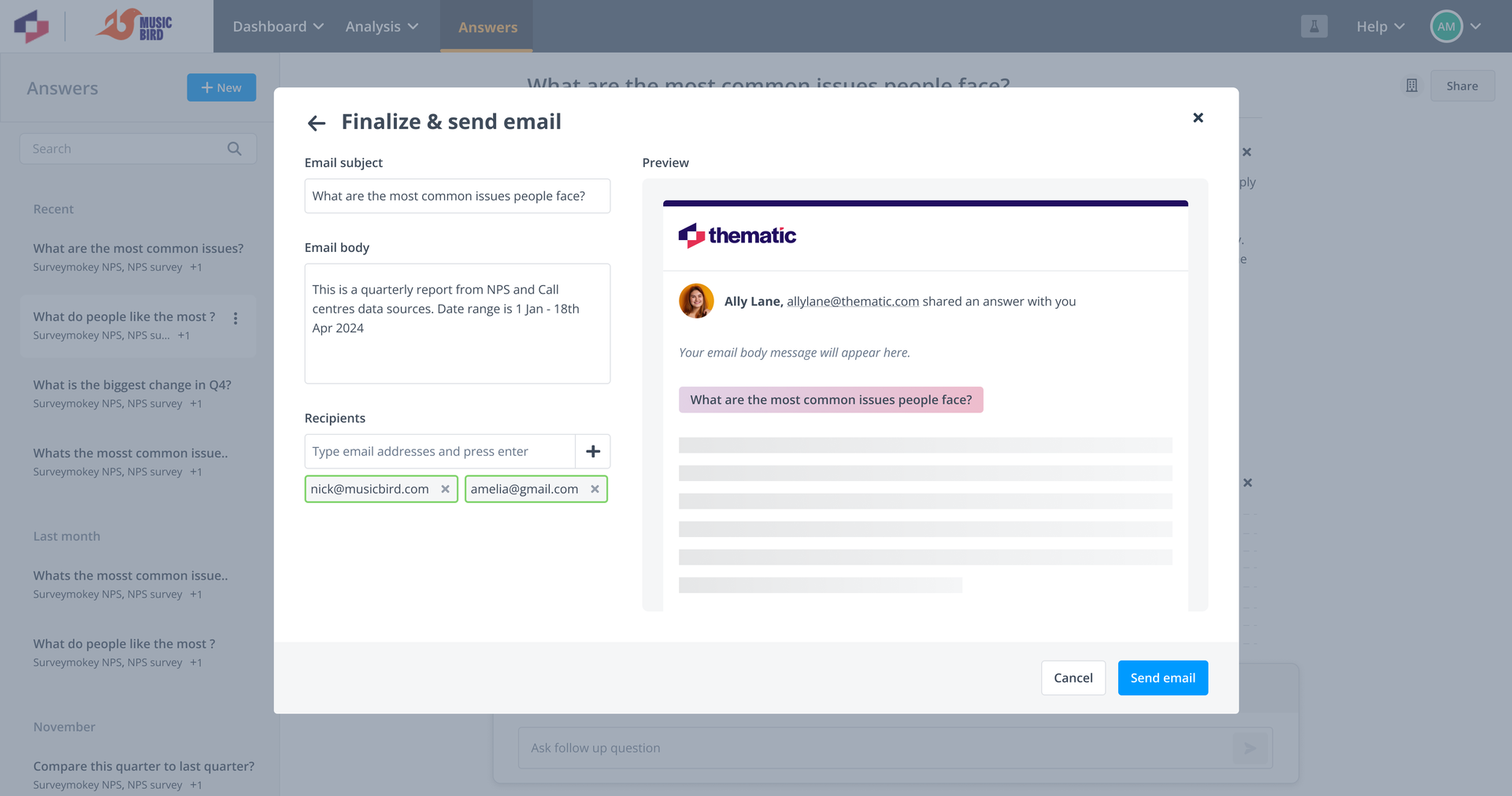
Requested by CFS. Set a default timezone per workspace on the Manage Workspace page, pick the exact hour a digest sends and the timezone that hour is measured in, see the next send date when creating a digest and in Manage Subscriptions, and paste multiple recipients at once separated with a semicolon. In subscriptions, hover any date to see what it means in the configured timezone, your wall clock, and UTC.
Smaller things worth knowing
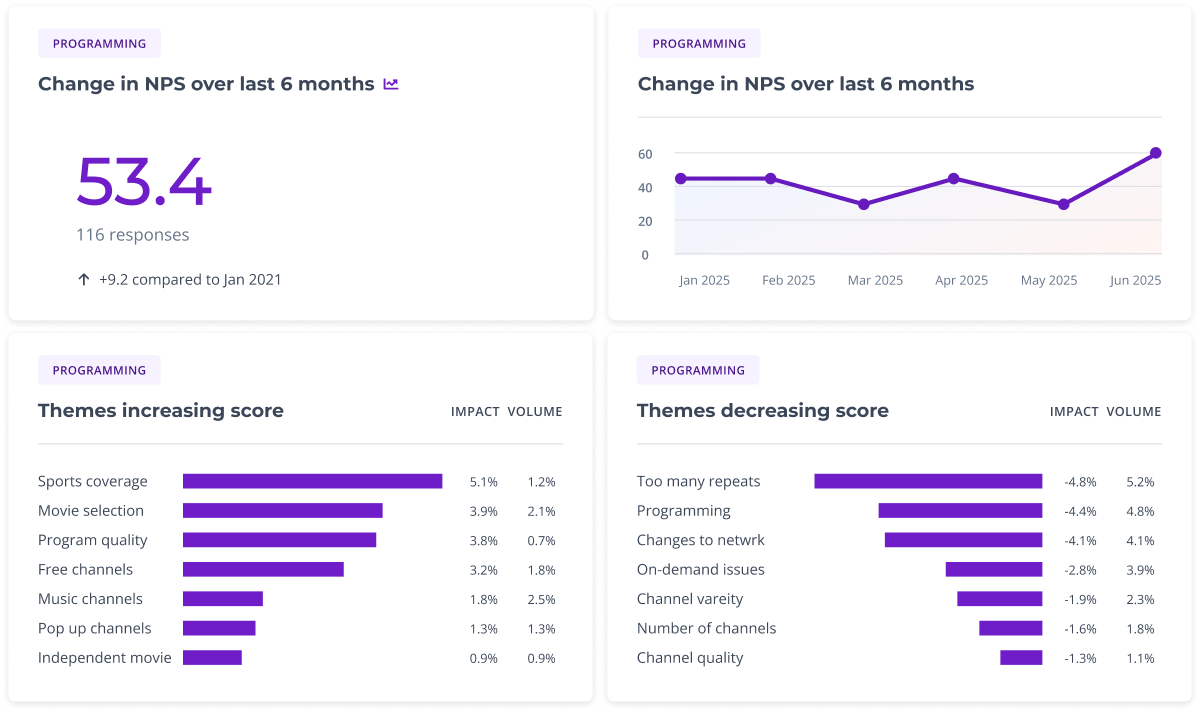
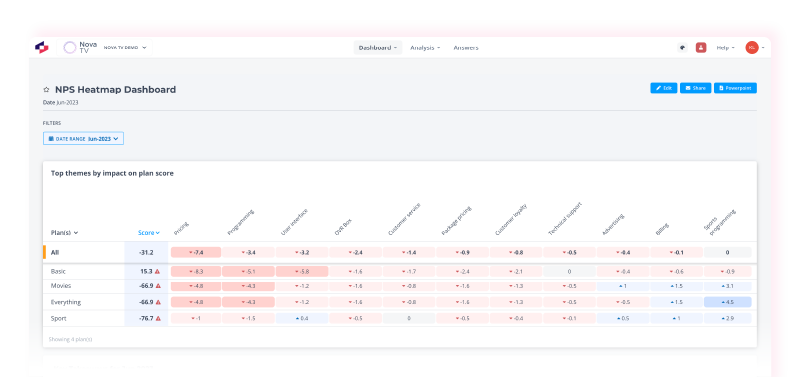
- A refreshed dashboard design went live for everyone on 12 June 2026.
- A warning before you break a dashboard. Deleting a survey, lens or view now shows you which dashboards depend on it first.
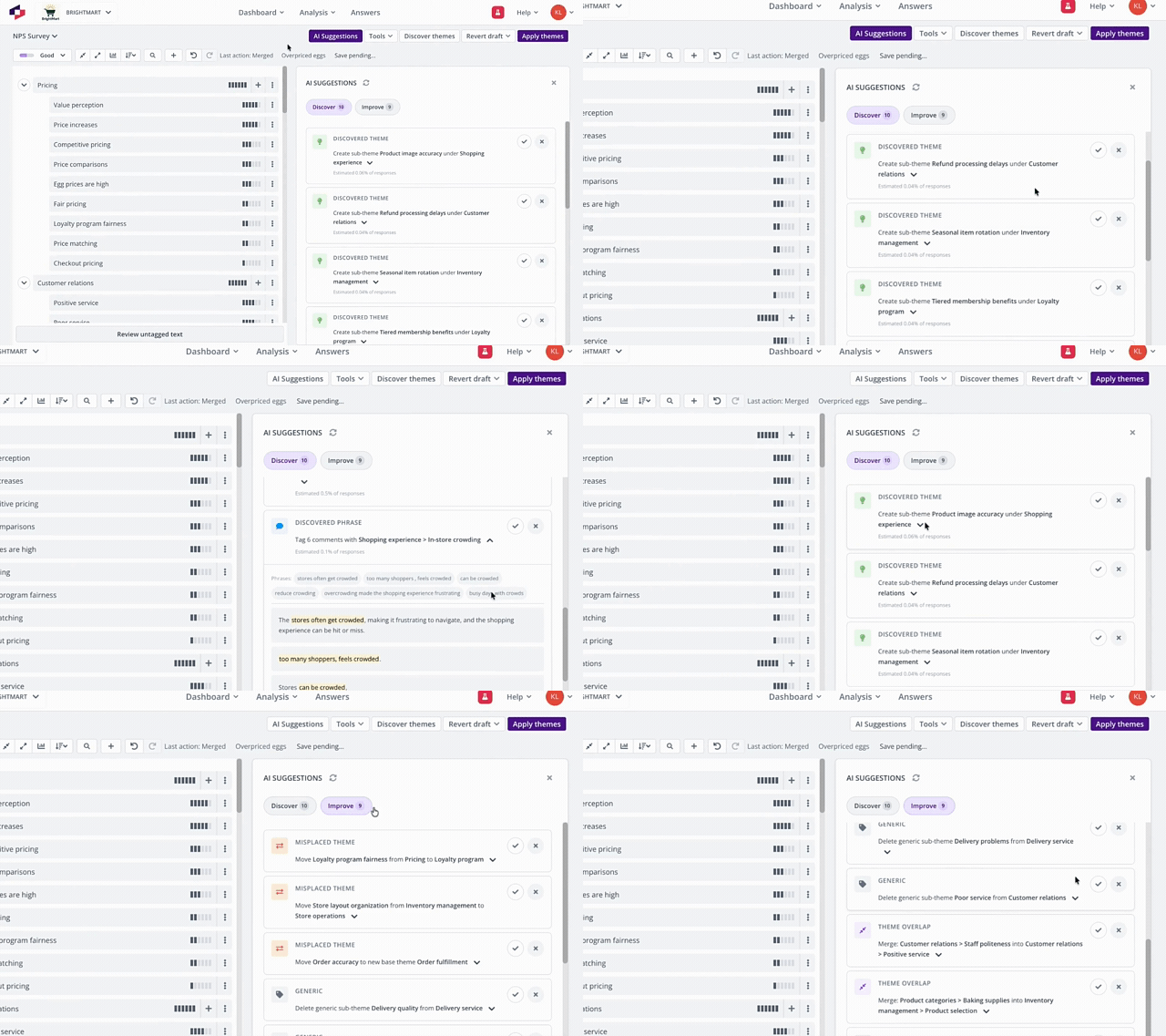
- Finer control over discovered theme phrases. Each suggested phrase in a Discover suggestion is a removable chip, and only the ones you keep get applied on Accept.
- Bulk-apply labels to multiple comments in one step. Requested by Magellan.
- Lenses: start a new lens from a copy of existing themes, give columns custom names, select deactivated datasets, and saving a view now drops filters that no longer exist on the lens.
- Better in-product summaries from a model upgrade, including a fix where the "issues" filter surfaced non-issues.
Fixes and improvements
- App Store integrations: choose which regions to pull reviews from, with Singapore added.
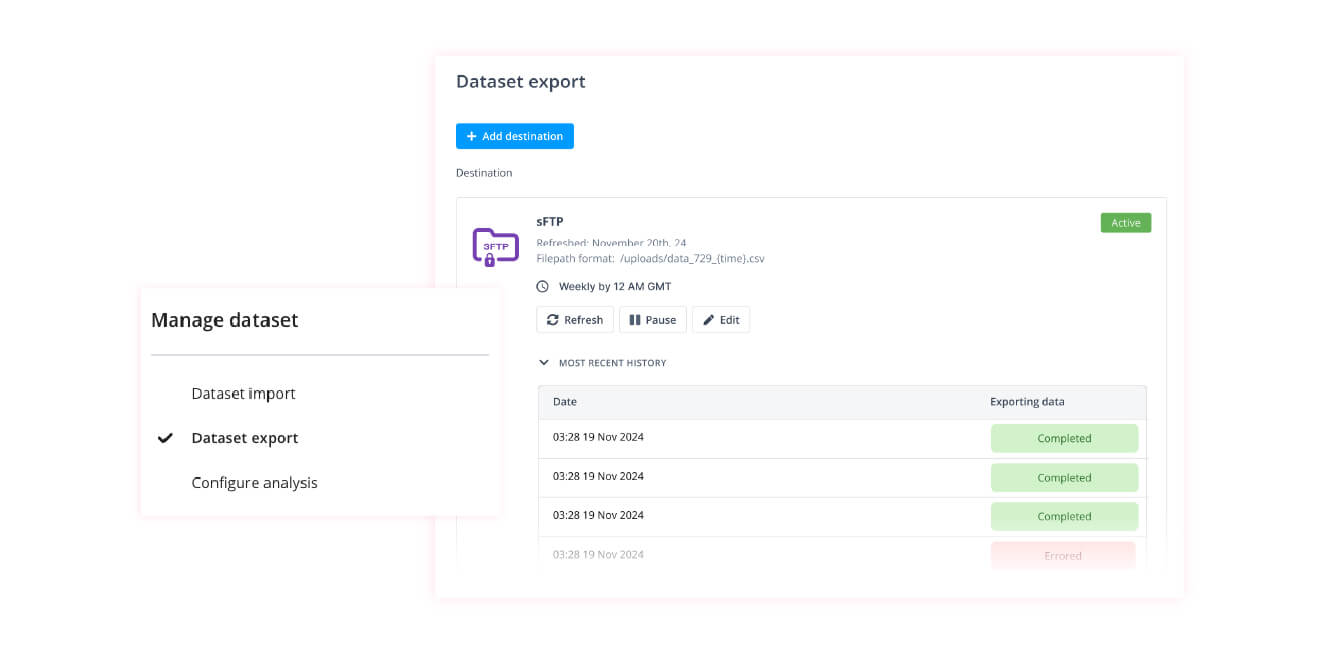
- Manage Dataset now shows filenames against each manual upload.
- Integrations can be given names, so you can tell them apart.
- Dashboard summaries render markdown cleanly in both the widget and the digest email.
- Score selection carries across to Score Change and Significant Changes, which now show only comments related to the score you selected.
- Explore tooltip reports correct totals for datasets with multiple comment columns.
What's next: connecting insights to dollars
Our focus this quarter is ROI, through two projects.
Revenue at Risk estimates the dollar value of revenue at risk based on what your customers are saying. A deliberately rough prototype is already with internal staff and 13 co-developing customers through Thematic Next, because we wanted real users testing the core idea early rather than a polished version of the wrong thing.
Initiatives answers the question that follows. Once you know what is at risk, you need a case: what would it cost to fix, when do we break even, and did the last initiative actually land? Customers tell us they assemble this by hand today, hunting verbatims and proxy data to size the impact themselves.
We want more co-developers. If you build business cases for CX investment and want to shape these while they are still being designed, opt in to Thematic Next from your profile, or reply to this email.