Most insights teams don't have a reporting problem. They have a request problem. The dashboard exists, the analysis is current, and people still email the team asking what customers said about checkout last month. Then the answer arrives three weeks later, by which point the question has moved on.
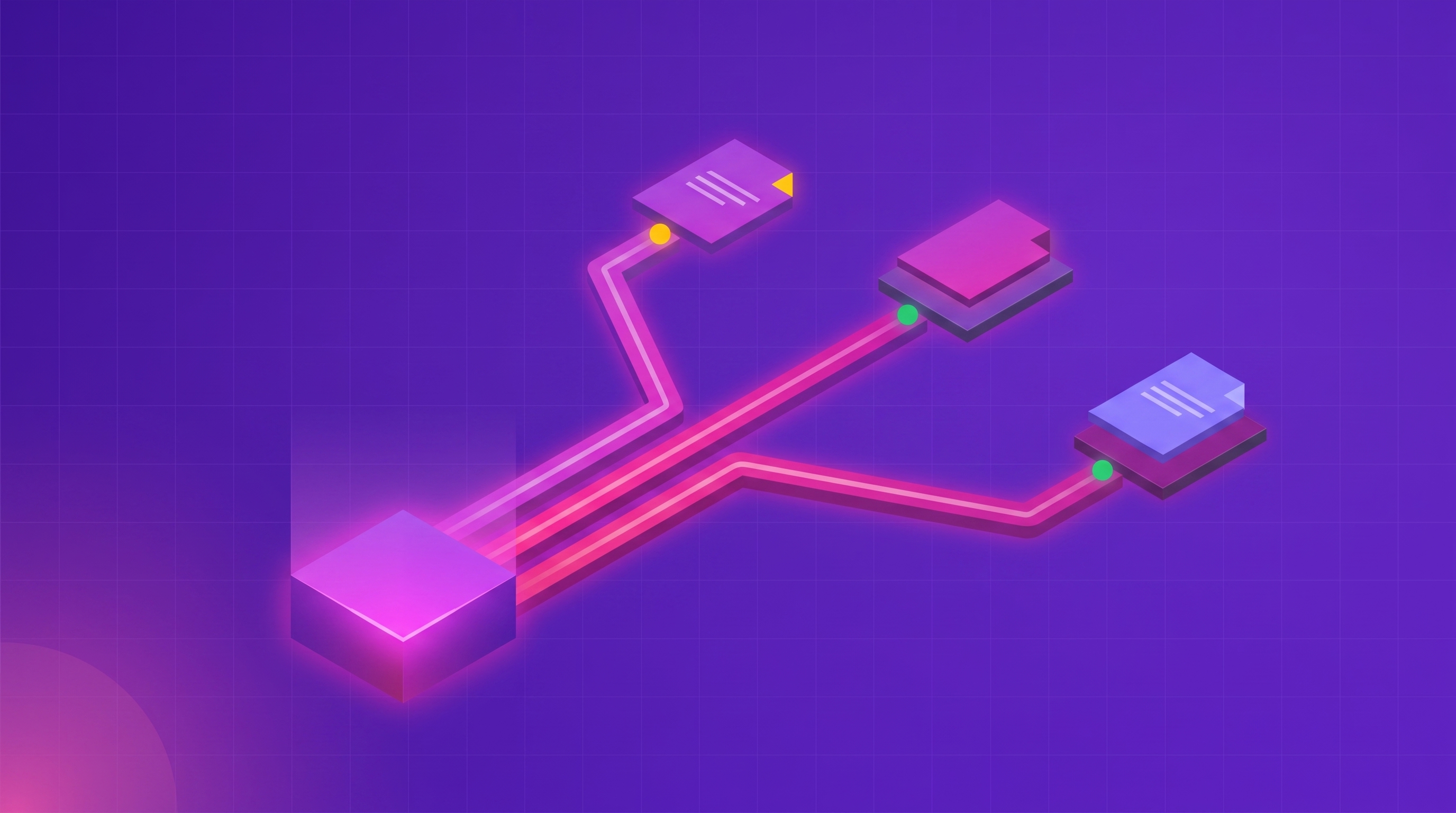
Automating this is a distribution job, not an analysis job. The work is to decide what each stakeholder needs, scope it once so it can run unattended, and deliver it into something they already open. Thematic supports four documented delivery paths for that: a shared dashboard, an emailed Answers report, Workflows alerts to email or Slack, and a theme-level data push into your business intelligence (BI) tool. Choosing the right one per audience is most of the job.
Below is the five-step setup, a channel-to-audience map, a worked example, and the mistakes that break an automated report after it ships.
The five-step process
- Separate the people who need a recurring report from the people who need an event alert.
- Scope each report once, using filters, so it can run without you.
- Match the delivery channel to what access that stakeholder actually has.
- Choose the cadence from the decision it feeds, not from the survey calendar.
- Give every automated output a named owner before you switch it on.
Step 1: Separate reports from alerts
These are different products for different jobs, and conflating them is why automated reporting usually fails. A recurring report answers a standing question on a schedule. An alert says something changed right now. As Thematic's own framing puts it, alerting tells you something happened; routing decides who should act on it.
The test is whether the stakeholder would act differently today because of the information. A regional manager reviewing themes each month wants a report. The payments lead who needs to know a complaint spike started yesterday wants an alert. Give the first person an alert and they'll mute it. Give the second person a monthly report and they'll find out too late.
Write the list before you configure anything: stakeholder, the decision they own, and which of the two they need.
Step 2: Scope each report once, with filters
An automated report is only as good as its definition. This is where boolean search and metadata filters do the work, because a precise slice runs unattended and a vague one produces noise someone has to interpret.
Thematic supports capitalized AND, OR, and NOT in search, so you can pin a query to a real scope: (price OR cost) AND (quality OR durability), or customer service AND NOT email. You can filter by theme, by sentiment, by date, and by any metadata attached to the feedback, then compare a baseline period against another using the comparison filters.
Do this once per stakeholder, not once per request. The point of the filter is that it encodes a standing question, so nobody has to re-derive the scope every cycle. Scope precisely and the recurring report stays readable as volume grows.
Step 3: Match the channel to the stakeholder's access
This is the step teams skip, and it's why reports go unread. The right channel depends on what access the person has, not on what's convenient to build.
| Stakeholder |
Channel |
What they get |
| Has dashboard access only, no analysis tools |
Shared dashboard with summary widgets |
A standing view they can open any time, with customer comments enabled per widget |
| Has no Thematic account at all |
Emailed saved Answers report |
A narrative answer with visualizations and verbatim evidence, delivered to their inbox |
| Owns a problem and needs to know it started |
Workflows alert to email or Slack |
A spike or matching-comment notification, scoped to one dataset or filter |
| Already lives in Tableau, Power BI, or Looker |
Theme-level data push |
Themes, sentiment, and impact scores landing alongside their other data sources |
The dashboard path is worth being concrete about. Thematic documents the case of a support center manager who "only has access to a shared Dashboard," and the fix is to configure the summary widgets so that limited view is genuinely useful. Customer comments can be turned on per widget, so the manager reads issues in customers' own words without touching the analysis tools.
For someone with no account, Thematic can email a saved Answers report directly, so the recipient sees the narrative answer, the quantified visualizations, and the verbatim evidence without logging into anything.
Step 4: Choose the cadence from the decision
Cadence usually gets inherited from the survey calendar, which is the wrong input. Pick it from the clock the decision runs on.
Thematic's documented answer is that Workflows can be used to schedule recurring insight reports or trigger updates when certain themes spike, with routing customizable by team or role. On the alerting side, the comparison window can be set to daily, weekly, or monthly, and theme-discovery notifications can run weekly or monthly.
Use the shortest cadence the recipient can actually act on. A quarterly report structurally can't catch a signal with six weeks of lead time, no matter how good the analysis is.
Two practical rules. Report themes on a shorter clock than the score, because themes move first. And don't send the same report to everyone. Peer-reviewed research on information overload found that providing repeated information measurably hurt decision accuracy. Broadcasting one identical report to every function is therefore not a neutral choice. Lenses exist for exactly this, letting a COO see operational drivers while a CFO sees the same customer truth tied to retention.
Step 5: Give every output an owner
Automation without ownership produces a feed nobody reads. Before switching anything on, name the person who acts on each report and each alert. Thematic's own guidance is blunt about it: give every alert an owner before you turn it on.
Ownership is also how you measure whether the automation worked. Thematic's Audit Answers shows what people across the company are asking about, which is the closest thing to a direct read on whether the ad-hoc requests are actually falling.
A worked example: 250 reports in three days
Community Health System, a not-for-profit healthcare network serving California's central San Joaquin Valley, runs an annual employee engagement survey collecting open-ended feedback from staff across 250 departments.
The before state was a pure request queue. As their team described it, "there was no standardized deliverable that anyone who manages a team can access." Comment access was largely limited to VPs, and directors and middle managers depended on ad-hoc conversations to find out what their own teams had said.
They built one dashboard template per department: a summary of what staff liked, a summary of what got in the way, and five generated next steps, with a department filter applied. That template is the scoping work from Step 2, done once.
The result was 250 standardized one-page reports produced in a single three-day sprint. Preparation dropped from about an hour per department to about 20 minutes, saving over 160 hours per survey cycle, and for the first time 100% of directors received a standardized comment-based deliverable. "We were able to reach 250 departments," said Alexandra Clifton, Organizational Development Partner. "Yes, it was a lot of work, but it was all front-loaded to a single three days and everyone was able to get their results level-set at the same time."
For contrast on the manual path: at a North American travel operator, results were compiled and sent across the company by hand, and by the time they arrived the data was already three to four weeks old. That team now shares station-level insights through dashboards and digests, and reports that work which took two to three weeks takes ten minutes.
Common mistakes to avoid
- Automating the pull instead of replacing it. A scheduled email that says "your dashboard has been updated" is still a pull. The report has to contain the answer.
- Assuming stakeholders will log in. Independent research from BARC in November 2025 found that only 25% of employees use their company's BI software daily, and just 16% in large enterprises. Forrester has made the same point for years, estimating that no more than 20% of decision makers who could use BI hands-on actually do. Delivery has to reach people who will never open the tool.
- Changing the theme structure without warning the recipients. Adding new themes can alter analysis you have already shared, which makes previous reporting look inaccurate. Version the codeframe changes and say so in the report.
- Broadcasting one report to every function. See Step 4. Tailor it, or expect it to be ignored.
- Leaving comments on by default. In Thematic, per-widget customer comments are off until someone with dashboard-manage permission enables them. Decide deliberately which widgets expose raw verbatims.
- Turning on alerts with no owner. An unowned alert channel becomes noise fast.
The short version
You can automate customer feedback reporting, and the mechanism isn't one feature. Split reports from alerts, scope each one once with filters so it runs unattended, deliver it through the channel that matches the stakeholder's actual access, set the cadence from the decision rather than the survey, and give every output an owner. Community Health System used that pattern to give 250 departments their own report in three days, where before there was no standardized deliverable at all.
Start with the two stakeholders who ask you for the most pulls. Write down the decision each one owns, then build one recurring report for each. If the requests from those two stop, the pattern works.